The office buys most construction safety software, and the field quietly ignores it. That’s the uncomfortable truth behind a lot of failed rollouts.
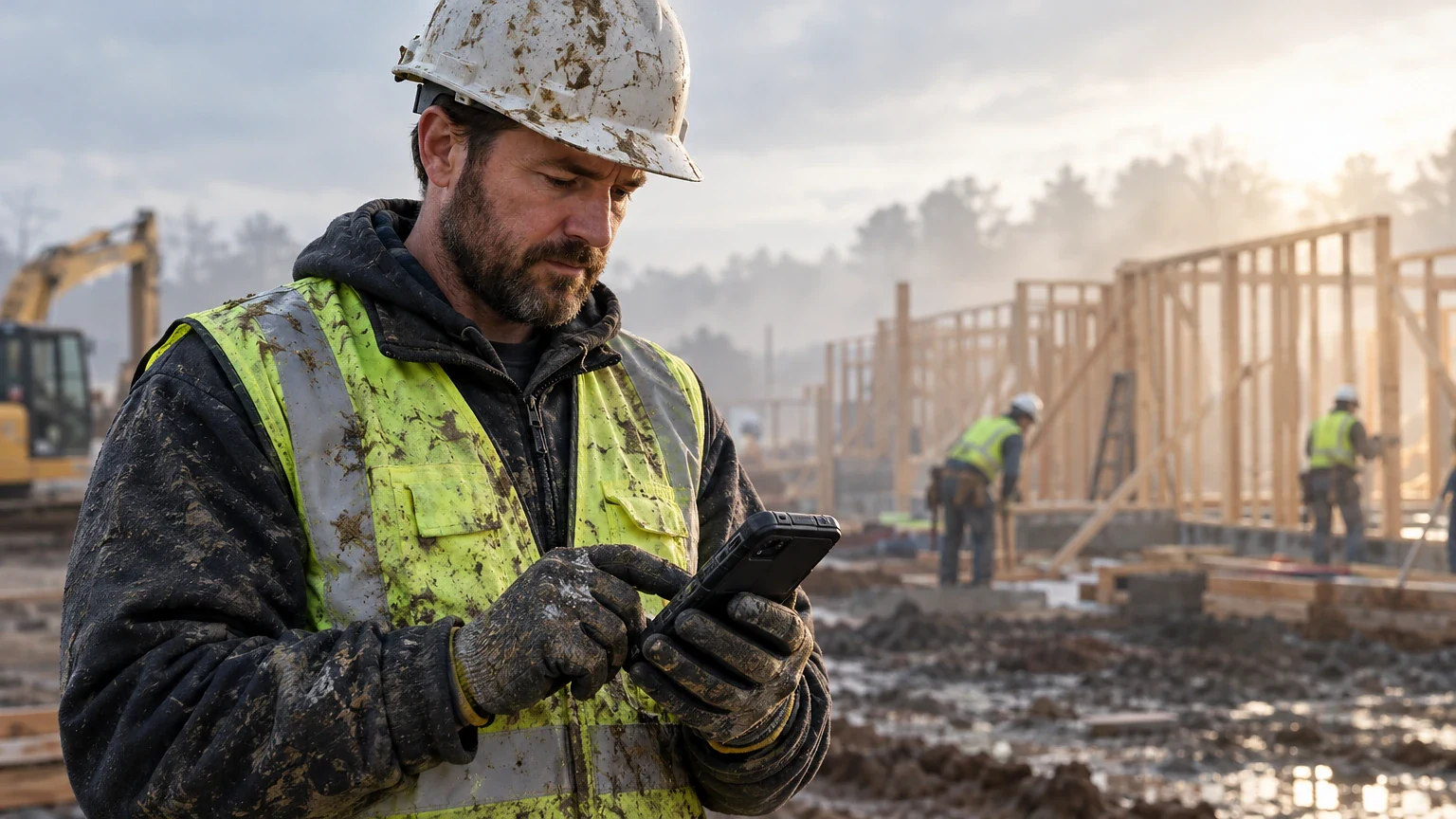
The tools that stick are the ones a foreman can run from a phone in work gloves. Picture him standing in mud, with a sub crew waiting on him. This guide covers what each platform does well and what it costs. It also shows where each one falls apart on an active site.
Why Most Construction Safety Software Still Fails on Site
Paper inspection forms vanish in truck cabs. Crews log toolbox talks after the fact, if at all. You’ve seen the binder that lives in the super’s truck and gets updated once a month before an audit.
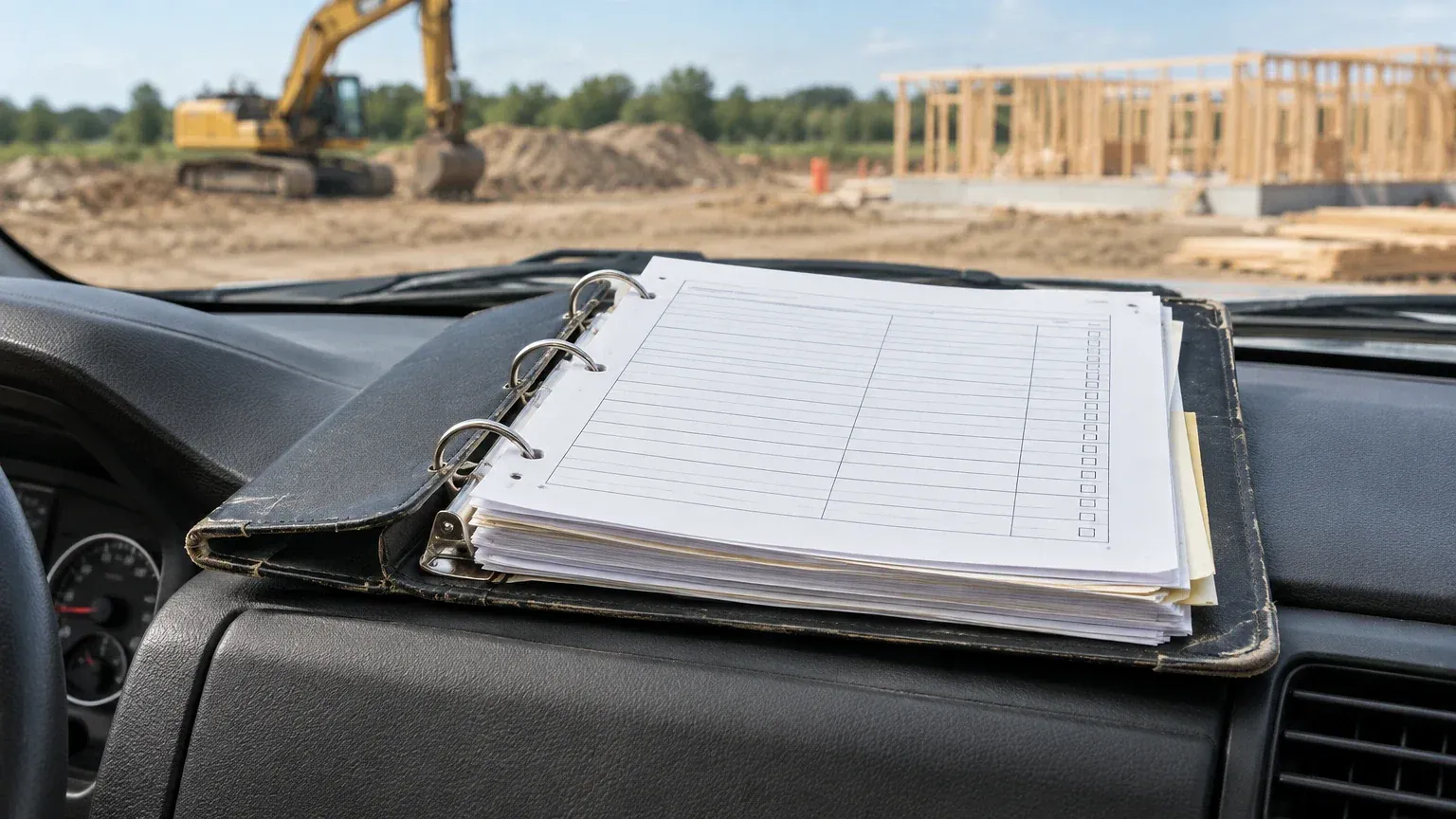
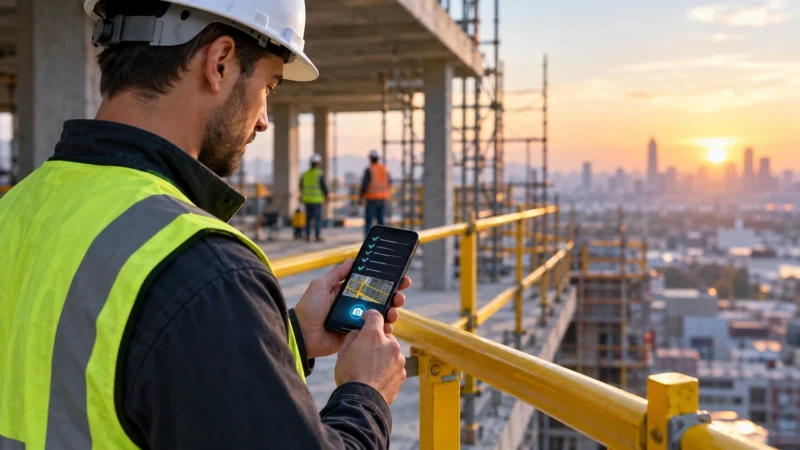
Construction safety software exists to close that gap between what happened on site and what got documented. The real test isn’t the sales demo. It’s whether a drywall sub with three fingers free can fill out a pre-task plan in under two minutes.
Adoption dies in three places. Slow mobile apps burn data on remote sites. Forms need a desktop to build, and sub logins cost extra. Say a platform charges per seat and your GC brings on 40 different subs a year. That pricing model will eat your safety budget before it saves you anything. Check how each vendor handles sub access before you sign anything.
What Construction Safety Software Actually Needs to Do
A real construction safety platform must handle five things without friction. Those are incident reporting, JHA/pre-task plans, inspections, certification tracking, and toolbox talks. Miss one and you’re back to a spreadsheet for the gap.
Incident reporting has to work offline. Rural sites and parking structures kill signal constantly. A crew member filling out a near-miss report should not have to find a hotspot first. Look for apps that queue submissions locally and sync when connectivity returns.
Certification tracking matters more than most GCs think until OSHA shows up. A platform that flags an expired fall protection cert saves you from a citation. The same goes for an OSHA 10 that is about to lapse on a lift operator. SafetyCulture and HammerTech both build this in; a lot of cheaper tools treat it as an afterthought.
Permitting for high-risk work belongs inside the workflow rather than a separate PDF upload. That covers hot work, confined space, and energized electrical. That’s where general-purpose checklist apps start to show their limits against construction-specific platforms.
Five Platforms Worth Actually Comparing
- Procore – full project management suite with a dedicated Quality & Safety module, built for GCs running multiple large jobs at once.
- HammerTech – construction-only platform with free subcontractor access and high-risk permitting baked in.
- SafetyCulture – mobile-first inspection and checklist app that works across industries, not just construction.
- Raken – daily reporting tool with safety features locked behind its higher tier.
- SiteDocs – paper-replacement system built around worker profiles and certification tracking.
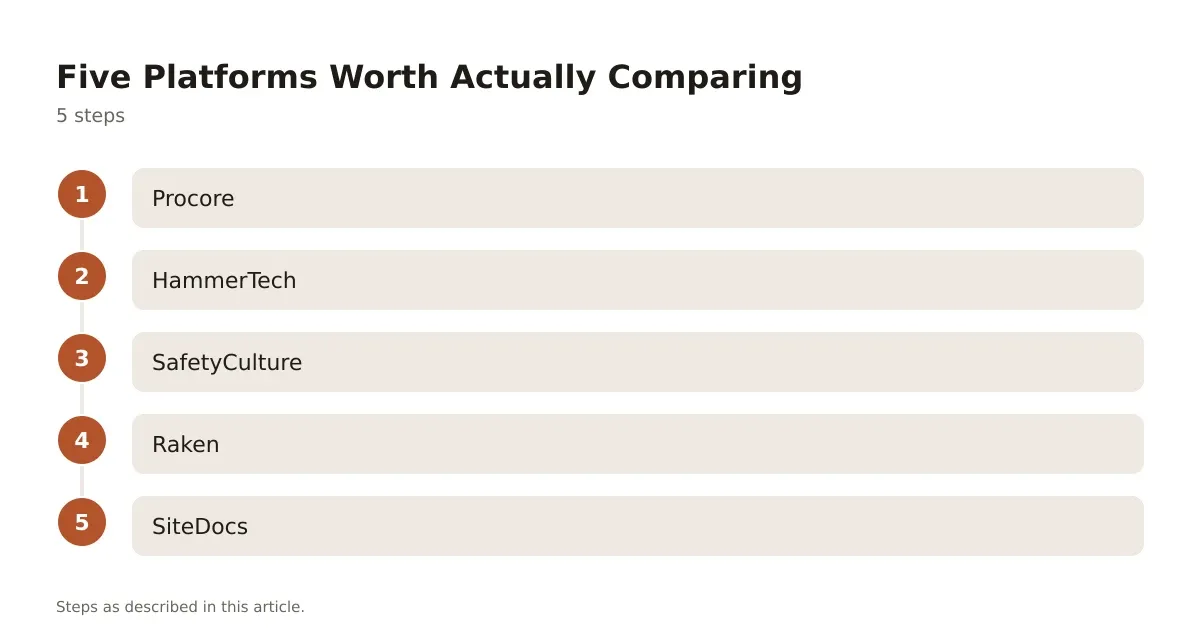
Each of these solves a different problem. None of them is the right answer for every GC. The pricing structures reflect genuinely different business models, not just different price points.
Option A vs Option B: Procore and HammerTech for Multi-Site GCs
Option A: Procore
Procore prices by Annual Construction Volume, not per seat, so pricing is on request and scales with the size of your contracts. That model gives you unlimited users and unlimited document storage, which matters if you’re running 15 subs and 60 field staff across three active jobs.
The Quality & Safety module is sold as a separate product inside the Procore suite, which means you’re not forced into the full platform if all you want is safety tracking. The tradeoff: if you only need safety and inspections, you may be paying for infrastructure you don’t use, like the financials and scheduling tools bundled into the broader platform.
Procore is built for GCs who want one system of record across the whole project, not just the safety side.
Option B: HammerTech
HammerTech is construction-specific from the ground up, and it shows in the high-risk work permitting, think Hot Work and Confined Space, that’s built directly into the field workflow instead of bolted on. Pricing is quote-based, with a GO tier scaled by annual construction revenue.
The standout feature is subcontractor access: subs get into the platform for free, provisioned by the GC, no license fee passed down. On a job with a dozen trade partners rotating through, that alone can be the deciding factor over a per-seat competitor.
HammerTech doesn’t try to be a full project management suite. It does safety, orientation, and compliance, and it does those deeply, but you’ll still need something else for scheduling and financials.
| Platform | Pricing Model | Sub Access | Best Fit |
|---|---|---|---|
| Procore | ACV-based, custom quote | Included, unlimited users | Multi-project GCs needing one system of record |
| HammerTech | Quote-based, revenue-scaled | Free for subs | Self-perform GCs managing high-risk trade work |
| SafetyCulture | Free to $24/seat/mo (annual) | Paid per seat above free tier | Small teams, multi-industry inspections |
| Raken | Pricing on request | Included, 3-user minimum | Field crews needing fast daily reporting |
| SiteDocs | Starting at $1,500/year | Included, company-size priced | Small-to-mid trades going fully paperless |
SafetyCulture, Raken and SiteDocs for Smaller Crews
SafetyCulture runs a free tier for up to 10 users with unlimited digital inspections, which makes it an easy first step for a small GC testing digital checklists before committing budget. The Premium tier runs $24/seat/month billed annually, or $29/seat/month month-to-month, and adds unlimited team members, analytics, SSO, and integrations with Microsoft Teams and Power BI.
The catch: SafetyCulture wasn’t built for construction specifically. It’s a general inspection and checklist tool used across manufacturing, hospitality, and retail too. You’ll need to build your own JHA and permit templates from scratch rather than pulling construction-specific ones out of the box.
Raken is built around daily reporting first, safety second. The Basic plan runs $23/user/month and covers daily logs, photos, and toolbox talks, but safety and quality management, along with time tracking and RFIs, only open up on the Performance tier at $59/user/month. Every plan requires a three-user minimum. If your field team is already using Raken for daily reports, upgrading to Performance to get safety tracking in the same app can beat running two separate tools.
SiteDocs takes a different approach entirely: annual subscription priced by company size, starting at $1,500/year, covering logins for every worker plus unlimited forms and signatures. It’s built to replace paper safety binders outright, with worker profiles that track certifications and compliance history across the whole company, not just one job. Trade contractors and smaller GCs in oil & gas and construction use it specifically because the per-worker economics don’t punish you for adding headcount mid-year.
Rollout Mistakes That Waste Your Construction Safety Software Budget
Buying the platform is the easy part. Getting a 20-person crew to actually use it on a Tuesday morning in the rain is where most rollouts collapse.
The biggest mistake is skipping a pilot. Run the new system on one job site for 30 to 60 days before pushing it company-wide. You’ll find out fast whether your foremen can build a JHA on a phone screen or whether they need a tablet instead.
The second mistake is importing every paper form you’ve ever used instead of rebuilding your top five. A bloated form library kills adoption because field staff can’t find the right template fast enough. Build your incident report, your daily JHA, your crane pre-lift checklist, and your confined space permit. Add more once those are second nature.
The third mistake is treating the software as the safety program instead of a tool that supports one. A platform doesn’t replace a competent person doing a walk-through, and it doesn’t replace stop-work authority on the ground. For the broader picture on how digital tools fit into a complete safety program, the construction safety management guide covers how these pieces work together beyond just the software layer.
None of these platforms interpret OSHA standards for you or tell you whether a fall protection plan meets code for your state. That’s still a job for your safety manager, your AHJ, or a construction attorney if an incident turns into a claim.
Picking the Right Tool for Your Crew Size
If you’re running multiple active jobs with layered trade partners, Procore or HammerTech earn their cost through scale, Procore if you want one platform for everything, HammerTech if safety and compliance are the whole point. For a smaller outfit testing the waters, SafetyCulture’s free tier costs nothing to try before you commit. If your field crews already live in daily reporting, Raken’s Performance tier folds safety into a workflow they’re already using. And if your real problem is a filing cabinet full of paper certs and signed forms, SiteDocs solves that specific headache without forcing a full project management overhaul on you.
The honest answer is that no single platform here does everything equally well. Pick based on what’s actually breaking in your current process, not on which demo looked the smoothest.
Pricing verified 2026-10-11. Check the vendor site for the latest.
Frequently asked questions
What does construction safety software actually cost per month?
It varies widely by model. Raken starts at $23/user/month on its Basic plan, SafetyCulture’s Premium tier runs $24 to $29/seat/month, and SiteDocs starts at $1,500/year regardless of headcount. Procore and HammerTech don’t publish pricing and quote based on your construction volume or revenue instead.
Do subcontractors need their own paid license?
It depends on the platform. HammerTech provisions subs for free through the GC’s account, while SafetyCulture and Raken typically charge per seat above a certain threshold, so a sub joining mid-project can add real cost on those platforms.
Can this software replace a written safety program?
No. These tools document and track what your safety program requires, but they don’t write the program, interpret OSHA standards, or replace a qualified safety manager’s judgment on site. Bring in a licensed engineer or your AHJ for code questions the software can’t answer.
How long does it take to roll out safety software on an active job?
Plan on 30 to 60 days for a real pilot on one site before expanding company-wide. That window is enough to find out whether your forms work on a phone screen and whether field staff will actually use them without a super standing over their shoulder.
Is a free plan like SafetyCulture’s enough for a small GC?
For a crew under 10 people doing basic inspections, yes, it’s a reasonable starting point with no cost. Once you need unlimited users, analytics, or integrations with tools like Microsoft Teams, you’ll outgrow the free tier and move into the paid Premium plan.