Think every drone flyover and BIM clash report is just software vendors chasing your budget? Some of it is. But a chunk of construction technology has quietly become as standard as a laser level. Skipping it now costs you real money on bids you lose and rework you didn’t need.
The trick is knowing which tools change your production rate and which ones just look good in a sales demo. This piece sorts that out, section by section, with real pricing and honest limits.
What Counts as Construction Technology on a Real Job
Construction technology isn’t one category. It’s a stack: takeoff and estimating software, project management platforms, field data capture (drones, laser scanners, reality capture apps), and jobsite hardware like RFID material tracking or autonomous grading equipment.
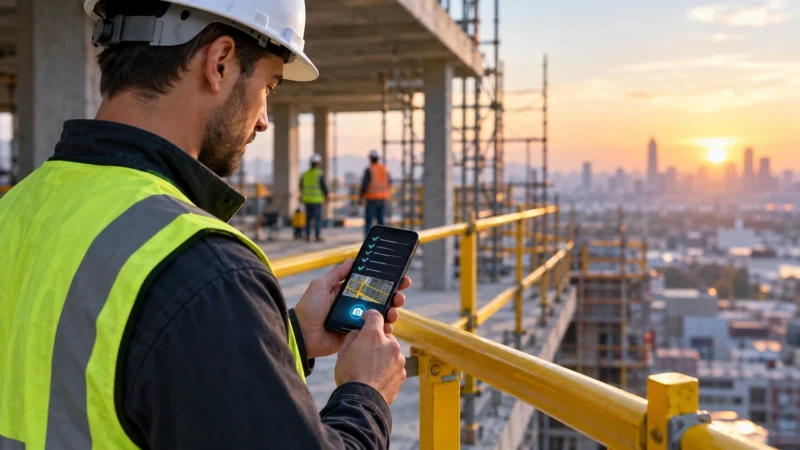
On a $4 million commercial build, you’re realistically running three or four of these at once. A superintendent using Procore for daily logs and RFIs. An estimator running takeoffs in PlanSwift or Bluebeam Revu. Maybe a drone survey every two weeks for progress billing.
None of this replaces your foreman walking the slab before pour. It replaces the three hours your PM used to spend reconciling paper daily reports against subcontractor invoices. That’s the honest scope: administrative and measurement efficiency, not decision-making for you.
The mistake contractors make is buying the whole stack at once. Start with whichever piece is bleeding the most hours right now. For most GCs that’s estimating, because a bad takeoff sinks a bid before the job even starts.
Estimating and Takeoff Software: What to Actually Compare
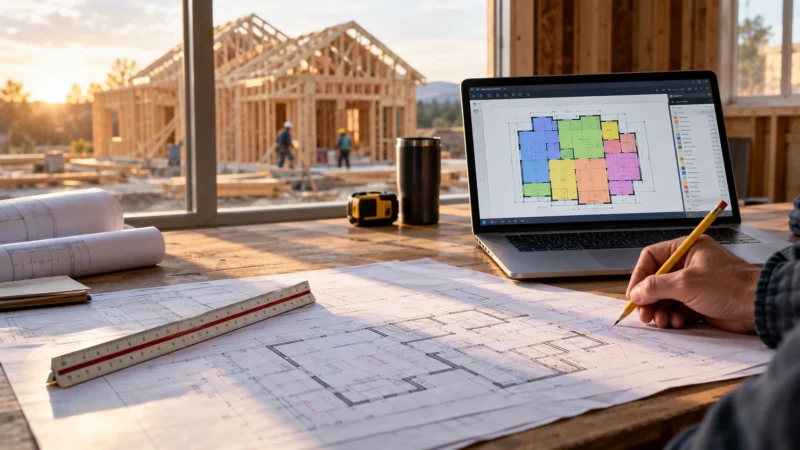
If you’re still taking off plans with a scale ruler and a legal pad, you’re leaving margin on the table. Digital takeoff tools cut quantity survey time by roughly a third to half on repetitive scopes. Drywall, concrete flatwork and site utilities all qualify, depending on plan quality and how clean the PDF sheets are.
Here’s what matters when you compare them, not marketing copy:
- On-screen takeoff accuracy – does it auto-scale from a PDF title block, or do you have to manually calibrate every sheet? Bluebeam Revu auto-detects scale on most architectural sets; PlanSwift needs manual calibration more often on scanned or rotated pages.
- Assembly libraries – can you build a wall assembly once (studs, insulation, drywall, tape) and reuse it, or are you counting each material separately every time?
- Cost database integration – does it link to RSMeans data or your own historical unit costs, or are you exporting to Excel to price everything anyway?
- Cloud collaboration – can two estimators split a set and work the same file simultaneously, which matters on a bid due in 48 hours?
- Output format – does it dump a clean spreadsheet your PM can turn into a schedule of values, or a proprietary report nobody else can open?
Bluebeam Studio sessions let a crew of estimators mark up the same PDF in real time, which is genuinely useful during crunch week. It’s weak at generating a polished cost proposal on its own, so most shops still export to Excel or a dedicated estimating package for the final bid package.
PlanSwift handles complex assemblies well and is a favorite for mechanical and electrical subs. Its interface feels dated next to newer cloud tools, and support tickets can sit for days.
Field Data Capture: Drones, Scanners, and Progress Documentation
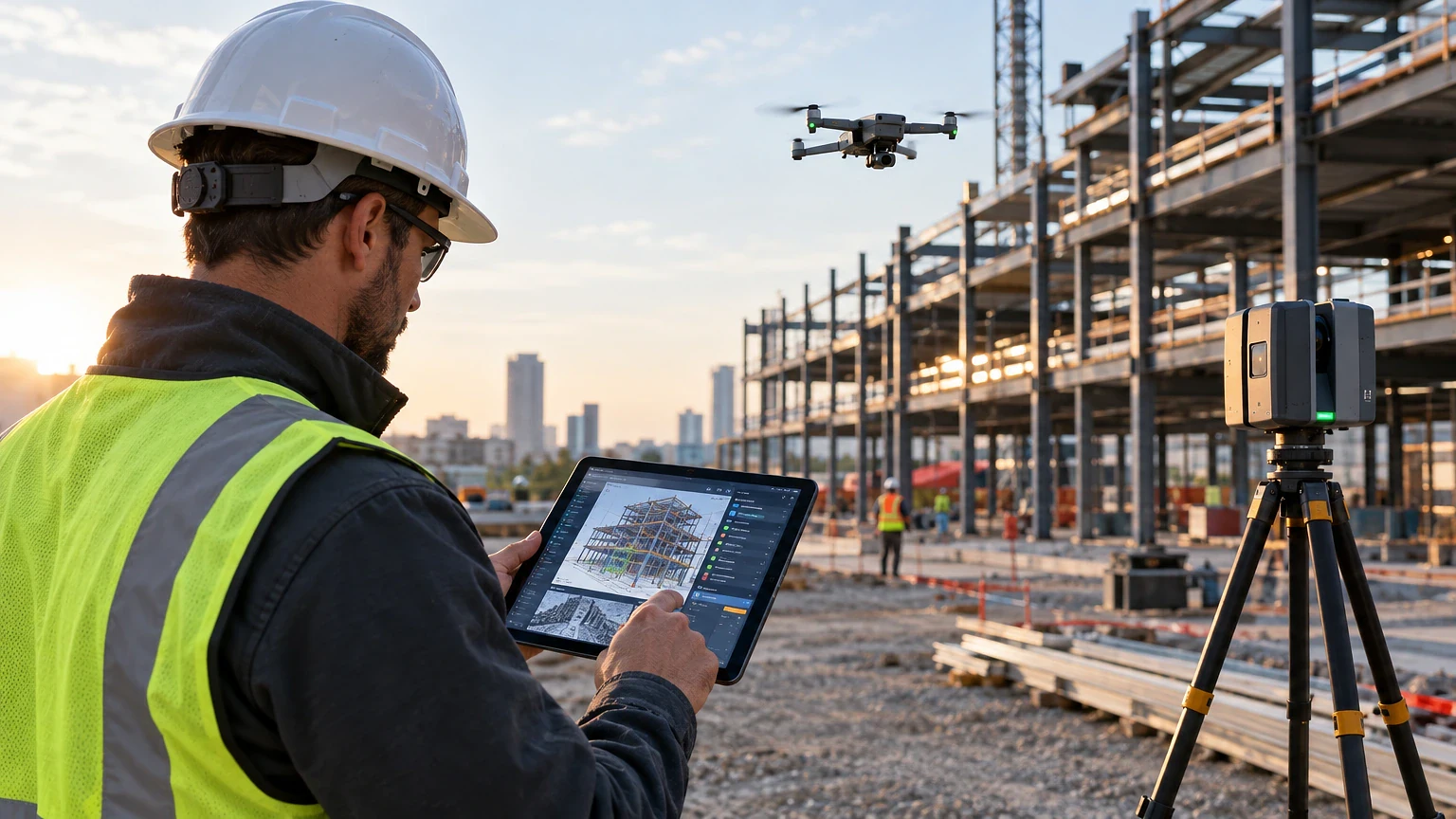
A drone flyover costs you almost nothing in labor once you own the hardware, and it settles more billing disputes than any other tool on this list. A DJI Mavic 3 Enterprise with RTK (real-time kinematic) positioning runs a few thousand dollars. It gets you survey-grade accuracy, roughly an inch or two horizontal depending on ground control points.
Run the flight every two weeks on a site with earthwork or a multi-phase pour schedule. Log volume in cubic yards moved against your grading subcontractor’s pay app. You’ll catch overbilling before it hits your desk instead of after the owner’s rep flags it.
Laser scanning (terrestrial, like a Leica BLK360 or FARO unit) is a different tool for a different problem. Use it for as-built documentation on renovation work where existing conditions don’t match the drawings, which is most renovation work. A scan takes twenty to thirty minutes per setup and produces a point cloud you can overlay against the BIM model to catch clashes before you order steel.
Where scanning falls short: it’s slow on a big open site compared to drone photogrammetry, and the software to process point clouds (like Autodesk ReCap) has a real learning curve. Don’t expect your super to pick it up in an afternoon.
Choosing Project Management Software: A Short Field Q&A
Before comparing feature lists, see how this construction technology stacks up head to head. Our rundown of the best construction project management software in 2026 breaks down pricing tiers. It also shows which crews each platform actually suits.
Do you need Procore, or will a cheaper platform do the job? If you’re running subcontracts, RFIs, submittals, and daily logs on jobs over $2 million, Procore’s depth earns its cost. Pricing is quote-based and scales with revenue, so a small GC and a $50 million-a-year outfit pay very different numbers. For smaller residential or light commercial work, Buildertrend or CoConstruct cost less and handle client-facing scheduling better.
What’s the real weakness in Procore? Onboarding. Expect two to four weeks before your field crews stop reverting to text messages and paper logs. The mobile app also lags on spotty rural site connectivity, which matters if you’re building somewhere without solid LTE.
Does project management software replace your scheduler? No. Primavera P6 or Microsoft Project still does the critical path math better than any all-in-one platform. Most GCs run P6 for the master schedule and push milestones into Procore or Buildertrend for field visibility.
Is there a free option worth using? Fieldwire has a free tier for small teams that covers plan markup and punch lists decently. It won’t handle your subcontractor pay applications or retainage tracking, so treat it as a starter tool, not a long-term platform for anything past a handful of trades.
Jobsite Hardware and Equipment Tech Worth the Investment
Autonomous and semi-autonomous grading equipment has moved past novelty. GPS machine control on a dozer or grader, using Trimble or Topcon systems, cuts survey stakeout time dramatically on earthwork-heavy jobs. The operator works off a digital model instead of chasing blue-top stakes.
Here are five hardware categories worth the capital outlay, ranked by how fast they typically pay back on active jobsites:
- GPS machine control retrofits – adding Trimble Earthworks to an existing dozer costs less than buying a new machine. It also cuts grade-checking labor significantly on sites with more than a few weeks of dirt work.
- RFID material tracking – tagging structural steel or precast pieces at the yard lets your super scan and confirm delivery against the erection sequence instead of hunting for a specific beam in a laydown yard.
- Robotic total stations – a one-person layout crew replaces a two-person crew on interior layout, MEP coordination points, and column grids.
- Wearable jobsite sensors – GPS-enabled hard hat tags or vests track worker location on large sites, mostly used now for zone-based safety alerts near active equipment.
- Concrete sensors – wireless maturity meters (like Giatec SmartRock) read in-place strength via temperature curves instead of relying only on cylinder breaks, which can shave a day or more off form-strip decisions in cold weather.
The weak spot across all of this hardware is training and calibration drift. A robotic total station that’s off by a few thousandths on a benchmark throws your whole layout, and most crews don’t recheck calibration often enough. Build a weekly check into your QC plan, not just at mobilization.
Where Construction Technology Still Falls Short
None of this software or hardware makes a code call for you. If your building official flags an egress width or a fire-rated assembly question, that’s a conversation with the AHJ (authority having jurisdiction), not a BIM clash report.
Reality capture and drone data are documentation tools. They’re excellent for progress billing, dispute resolution, and as-built records. They are not a substitute for a licensed structural engineer’s stamp on a shoring plan or a means-and-methods review on anything load-bearing.
Same goes for scheduling software predicting a completion date. P6 will tell you the critical path based on the logic you built into it. It won’t tell you that your drywall sub is chronically two weeks behind on every job, or that a permit delay with the local building department is coming. That’s still your PM’s judgment call, built from having run jobs before.
A technology-driven claim can turn into a contract dispute. One example is a drone survey showing less earthwork moved than the pay app claims. Loop in a construction attorney before you send a formal notice. Software gives you the data. It doesn’t give you the legal strategy for using it.
Bringing It Together on Your Next Bid
The contractors winning more work right now aren’t the ones with the flashiest tech stack. They’re the ones who picked two or three tools that fixed a specific, expensive problem, learned them properly, and stopped there until the next bottleneck showed up.
Start with your estimating workflow if bids are taking too long or margins keep shrinking on takeoff errors. Move to field documentation if you’re losing pay app arguments over quantities. Add hardware last, because it’s the biggest capital commitment and the easiest to get wrong without trained operators.
Construction technology works when it replaces a task you were already doing badly by hand. It fails when you buy it because a competitor has it. Test anything on one project before you roll it across your whole operation. Keep your licensed engineer, your AHJ and your attorney in the loop for anything that touches code compliance or contract risk.
Frequently asked questions
What’s the fastest construction technology to implement on a small crew?
Digital takeoff software is usually the quickest win, since a solo estimator can learn Bluebeam Revu’s basic markup tools in a day or two. Drone photogrammetry is close behind if you already own a compliant drone and just need to learn flight planning and photo overlap settings.
Does construction technology reduce the need for a project manager?
No. It shifts what your PM spends time on, away from manual data entry and toward reviewing exceptions and making calls software can’t make. A PM who understands the schedule logic and subcontractor relationships is still the person catching problems before they become claims.
How much should a general contractor budget for construction technology each year?
There’s no universal figure, since it depends on job size and how many platforms you’re running. Most mid-size GCs treat software and hardware tech as a percentage of overhead. They review it annually against which tools actually got used. Track utilization, not just subscription cost, before renewing anything.
Can drone surveys replace a licensed land surveyor?
For progress documentation and volume estimates, drone data with ground control points gets close to survey-grade accuracy. For boundary surveys, legal plats, or anything tied to a recorded document, you still need a licensed surveyor, since that’s a legal requirement in every state, not a technology limitation.
What’s the biggest mistake contractors make adopting new construction technology?
Buying a platform before assigning someone to own the rollout. Software without a champion on your team who tracks adoption and fixes workflow gaps usually gets abandoned within a few months, and you’re left paying for a subscription nobody opens.