Does estimating software for construction actually save you money, or does it just move the same spreadsheet into a prettier box? Both, depending on the tool and whether your crew uses it right. The right platform tightens your takeoffs and catches the line items a tired estimator misses at 11 p.m. before a bid deadline.
This guide breaks down what construction estimating software actually does, which tools fit which contractor size, and where each one falls apart. No vendor fluff. Just what holds up when you’re pricing a 40,000-square-foot tenant buildout against six other bidders.
What Construction Estimating Software Actually Does Differently Than Excel
Most GCs start in Microsoft Excel. It’s free, everyone knows it, and it works fine until your estimator leaves and takes the macro logic with them. Dedicated construction estimating software replaces that fragile spreadsheet with a structured database: assemblies, cost codes, and a unit price library that updates instead of getting rebuilt every bid season.
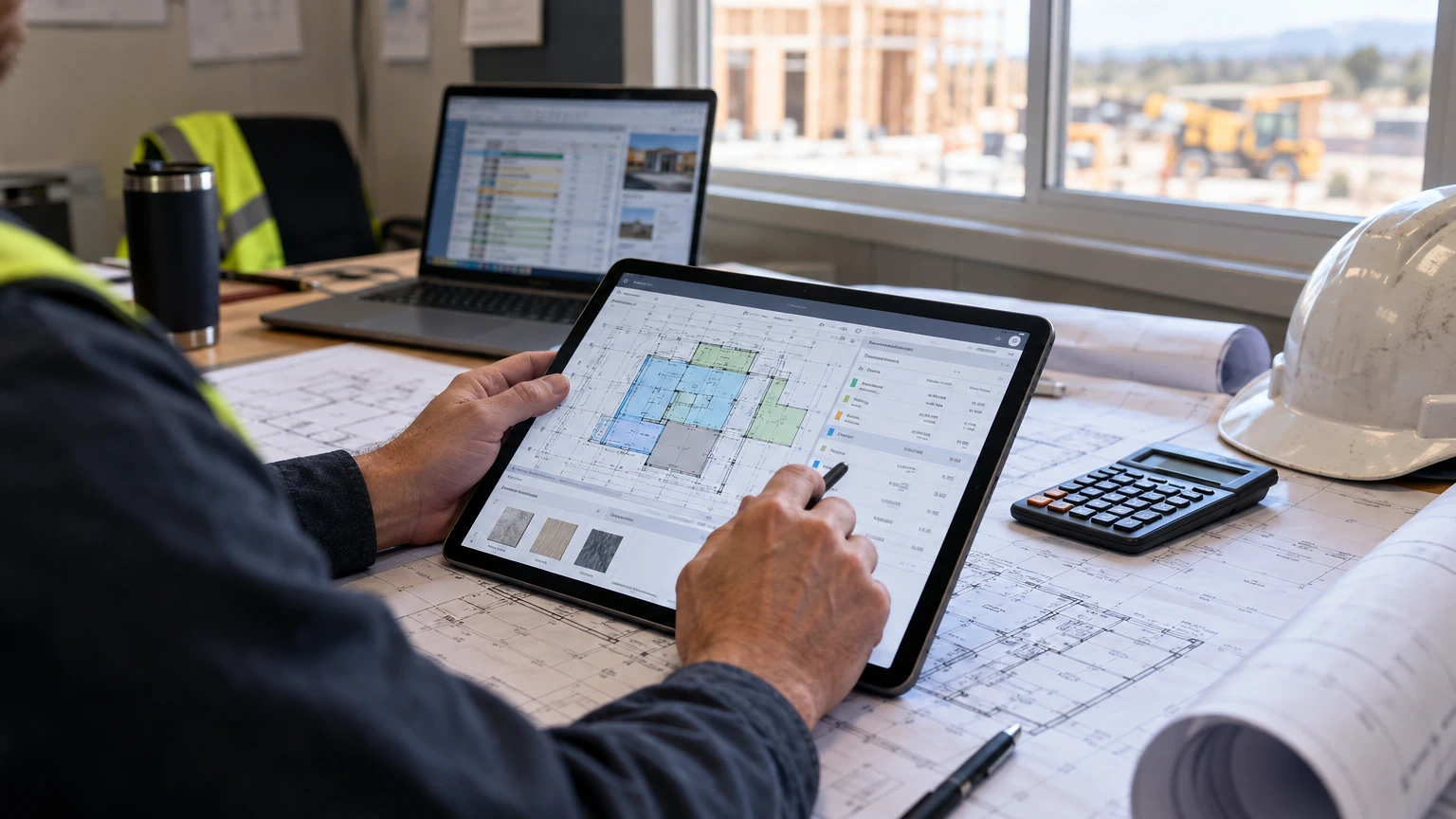
The core difference is digital takeoff. Instead of scaling a PDF with a architect’s scale ruler, you drop the plan into the software, calibrate it against a known dimension, and click through walls, slabs, and duct runs. The software tracks linear feet, square feet, and counts automatically. Tools like PlanSwift and On-Screen Takeoff built their whole reputation on this workflow.
Where it gets real is the database linkage. A good platform connects your takeoff quantities straight to a cost database, so when you count 1,200 linear feet of 2×6 wall framing, it pulls your crew’s actual production rate and current lumber pricing instead of a number someone guessed in 2019. That’s the gap between a tool that saves clicks and one that saves money.
The catch: none of this replaces judgment. Software won’t tell you your sub’s price is 20% light because he forgot winter conditions. You still read every line.
Five Estimating Platforms Worth Your Trial Period
Here are five platforms general contractors and subs actually run day to day, ranked by where they fit best.
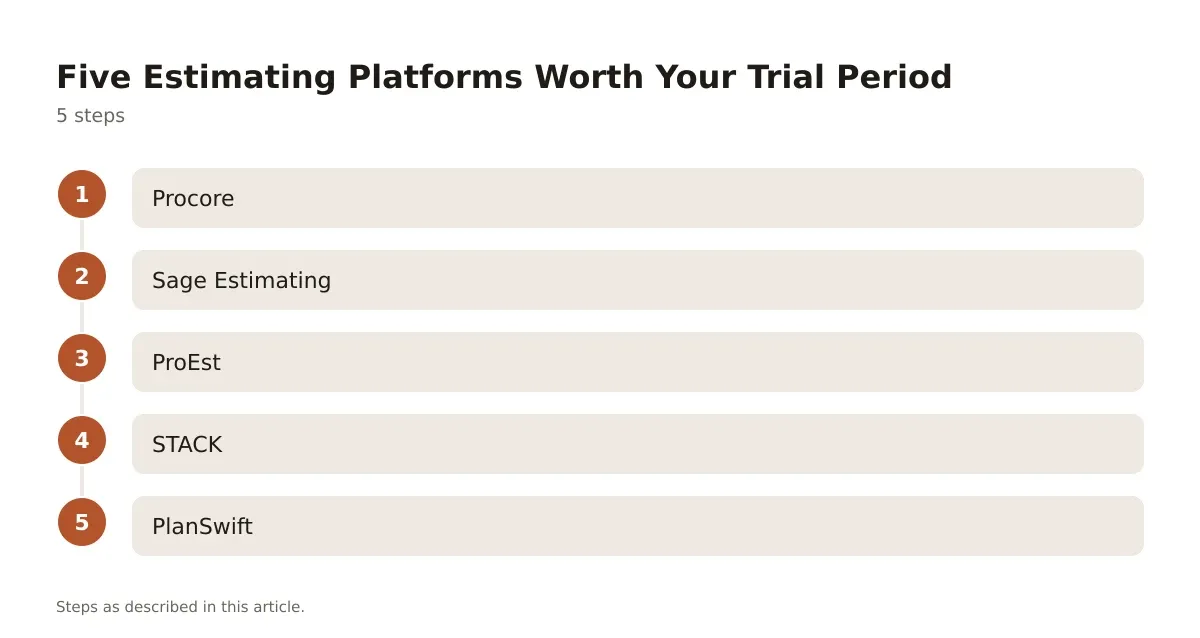
- Procore – built as full project management with estimating bolted on through its Bid Management and Pre-Construction tools. Pricing is custom-quoted based on annual construction volume, verified on Procore’s pricing page. Strongest for GCs already on Procore for the field side who want one login instead of three.
- Sage Estimating – a legacy heavyweight for commercial and heavy civil work, with deep assembly libraries built around RSMeans-style cost data. It’s desktop-based and shows its age in the UI, but the cost database depth is hard to beat for self-perform crews.
- ProEst – cloud-based, strong digital takeoff, and built to integrate with accounting systems for change order tracking. Good mid-market fit for GCs running $5-50 million in annual volume.
- STACK – browser-based takeoff and estimating aimed at smaller GCs, subs, and specialty trades who don’t want desktop software tying them to one machine. Collaborative takeoff is its real strength when two estimators split a large plan set.
- PlanSwift – a dedicated takeoff tool rather than a full estimating suite, favored by trades like drywall, flooring, and electrical who need fast digitizer-style quantity counts without the overhead of a full pre-con platform.
None of these five are “best” in a vacuum. A drywall sub running $2 million a year doesn’t need Sage’s assembly depth, and a $200 million GC doing design-build won’t survive on PlanSwift alone.
HammerTech vs Procore for Pre-Construction Workflows
If you’re choosing between platforms that blend safety, compliance, and pre-construction data, HammerTech and Procore keep coming up in the same conversation, even though they started from different ends of the jobsite.
HammerTech built its name on safety and compliance tracking, then expanded into broader project workflows including document control that feeds estimating teams accurate as-built and change data. Procore grew the other direction, starting in project management and building out bid management, pre-construction, and now AI-assisted takeoff tools.
| Feature | HammerTech | Procore |
|---|---|---|
| Core strength | Safety/compliance tracking | Full project lifecycle management |
| Estimating/takeoff tools | Limited, workflow-adjacent | Bid Management, Pre-Construction suite |
| Pricing model | Custom quote, tiered by plan | Custom quote by annual construction volume |
| Plan tiers | Standard, GO, Enterprise (custom quotes) | Single custom-quoted tier |
| Best fit | Safety-heavy GCs, heavy civil, multi-site | GCs wanting estimating + field + close-out in one system |
HammerTech’s Standard, GO, and Enterprise tiers are all custom-quoted, with GO scaling by annual construction revenue, per HammerTech’s pricing page. Procore’s pricing is also custom, built around your annual construction volume rather than seat count, confirmed on their site above.
If your bottleneck is safety documentation feeding into your bid history, HammerTech earns its spot. If your bottleneck is getting estimating, scheduling, and field reporting to talk to each other without three logins, Procore is the heavier hitter. Plenty of larger GCs run both, with HammerTech handling compliance and Procore running the estimate-to-closeout pipeline.
Seven Line Items Every Estimating Platform Should Track Automatically
A platform earns its subscription fee by catching the line items estimators forget when they’re racing a 2 p.m. bid deadline. Here’s what a properly configured system should flag without you asking:
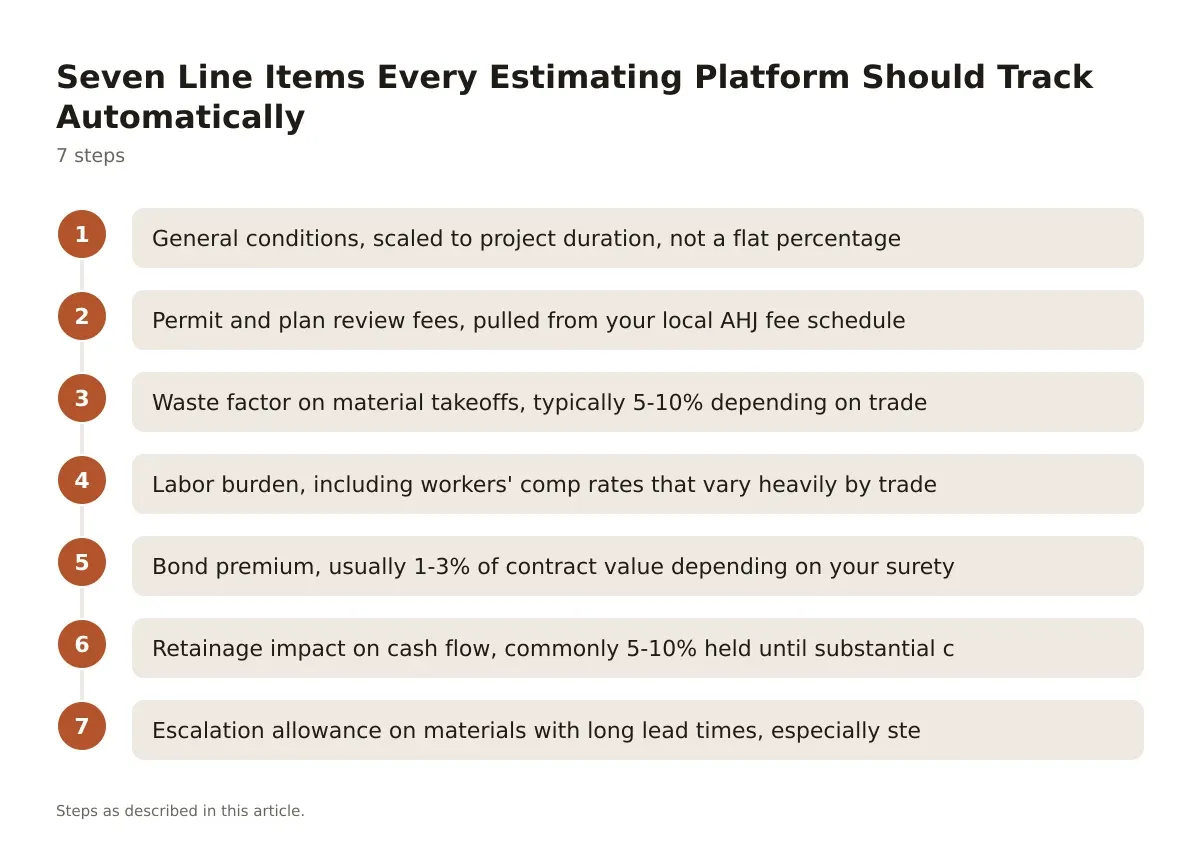
- General conditions, scaled to project duration, not a flat percentage
- Permit and plan review fees, pulled from your local AHJ fee schedule
- Waste factor on material takeoffs, typically 5-10% depending on trade and material
- Labor burden, including workers’ comp rates that vary heavily by trade classification and state
- Bond premium, usually 1-3% of contract value depending on your surety relationship and bonding capacity
- Retainage impact on cash flow, commonly 5-10% held until substantial completion depending on contract terms and state statute (FAR 52.232-5, Federal Acquisition Regulation, 2024).
- Escalation allowance on materials with long lead times, especially steel, switchgear, and anything still riding out supply chain delays
A spreadsheet can track all seven if someone builds the formulas and maintains them. Dedicated software keeps these as live fields tied to your job cost history, so line item six doesn’t get forgotten because the estimator was buried in RFIs that week. The software doesn’t know your state’s retainage statute or your actual bond rate though. You still plug in real numbers from your surety and your contract.
Where Construction Estimating Software Breaks Down on Real Bids
Every platform has a weak spot. Knowing it before you buy saves you from a bad renewal decision a year in.
Cloud-based tools like STACK and ProEst depend on internet connectivity for takeoff work, which is a problem if your estimator works from a jobsite trailer with spotty service. Desktop tools like Sage Estimating don’t have that issue but create version control headaches when two people need to edit the same estimate at once.
Assembly libraries are only as good as who maintains them. Sage’s RSMeans-linked data is deep, but RSMeans costs are national averages adjusted by location factor, not your actual subcontractor pricing in your market. If you’re bidding in a tight labor market like Seattle or Denver, the software’s “suggested” unit cost can be 15-20% off your real sub quotes. You still need to update your database from actual bid results, not just trust the default.
Integration gaps also bite. A platform that does great takeoff but exports clumsily into your accounting system (QuickBooks, Sage Intacct, whatever you run job costing on) creates double entry, and double entry is where change orders get lost. Before buying, ask the vendor to show you a live export, not a demo slide.
And every tool struggles with AI-assisted takeoff claims right now. Several platforms now market automated quantity extraction from plans, and the technology is improving fast, but accuracy still varies by drawing quality and discipline. If you want the deeper breakdown on whether AI estimating tools actually tighten your numbers or just speed up the wrong guess, this piece on AI construction estimating walks through where it helps and where it doesn’t.
Quick Questions Estimators Ask Before Switching Platforms
Will switching platforms slow down my next bid cycle? Yes, for the first one or two bids. Budget two to four weeks to rebuild your assembly library and cost codes before you trust the output on a live bid.
Can I keep my historical cost data when I migrate? Most platforms support CSV import for unit costs and assemblies, but formatting rarely transfers clean. Plan on manual cleanup, not a one-click migration.
Do I need separate takeoff software if my estimating platform includes it? Not usually. Built-in takeoff in ProEst, STACK, or Procore covers most commercial work. Specialty trades doing high-volume, repetitive counts sometimes still prefer a dedicated tool like PlanSwift for speed.
Picking the Platform That Fits Your Backlog, Not Your Ambition
The mistake most GCs make is buying the platform built for a contractor three times their size. Sage’s assembly depth is wasted on a company running four jobs a year with one estimator. Procore’s full pre-construction suite is overkill if you don’t have the staff to feed it data consistently.
Match the tool to your actual bid volume and crew structure. A sub running $3-5 million in annual volume gets more out of STACK or PlanSwift than a heavyweight commercial suite. A GC pushing $30 million-plus across multiple active jobsites needs the cost code depth and integration that Sage or Procore provide.
Whatever you pick, the software only works if someone owns the database. Assign one person to update unit costs after every bid result, win or lose. That discipline matters more than which logo is on the login screen.
Frequently asked questions
What is the best estimating software for small general contractors?
For GCs running under $5 million in annual volume, STACK or PlanSwift usually fit better than enterprise suites like Sage or Procore. They’re cloud-based, priced for smaller shops, and don’t require a dedicated estimating department to maintain the database.
How much does construction estimating software cost?
Pricing varies widely by vendor and is usually quote-based rather than published flat-rate, tied to your annual construction volume, seat count, or company size. Get a quote directly from the vendor’s pricing page rather than relying on third-party estimates, since tiers and scaling factors change.
Can estimating software replace a trained estimator?
No. Software speeds up takeoff and keeps your cost database organized, but it can’t judge whether a sub’s quote is realistic, catch a scope gap in the drawings, or apply local market knowledge. Treat it as a calculator with memory, not a replacement for judgment.
Does estimating software integrate with accounting systems like QuickBooks?
Most major platforms, including ProEst and Sage Estimating, offer integration or export paths into common accounting software. Test the actual export with your real chart of accounts before committing, since integration quality varies more than vendors admit in sales demos.
How long does it take to learn a new estimating platform?
Expect two to four weeks for a competent estimator to get comfortable with core takeoff and assembly functions, longer if you’re migrating years of historical cost data. Vendor-led onboarding sessions help, but the real learning happens running your first two or three live bids on the new system.