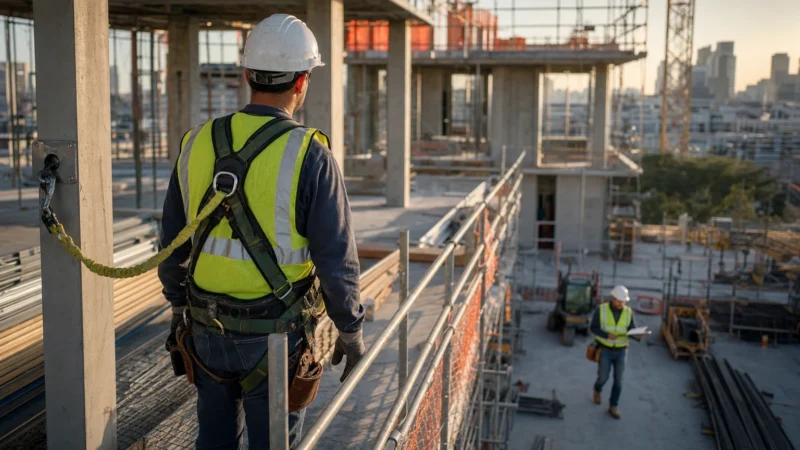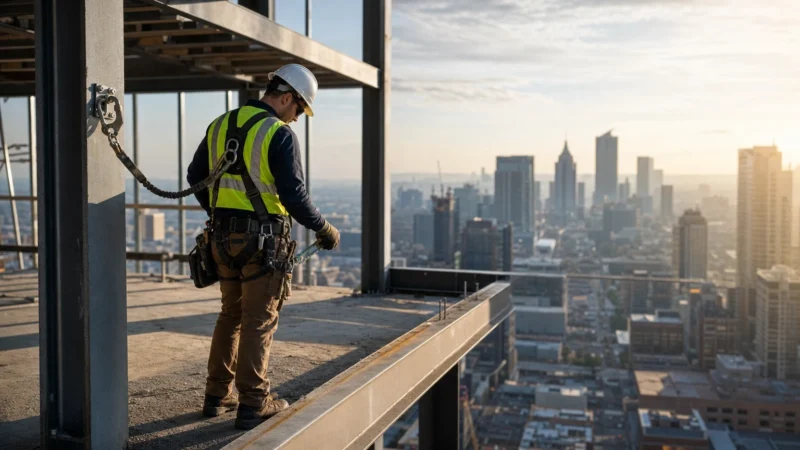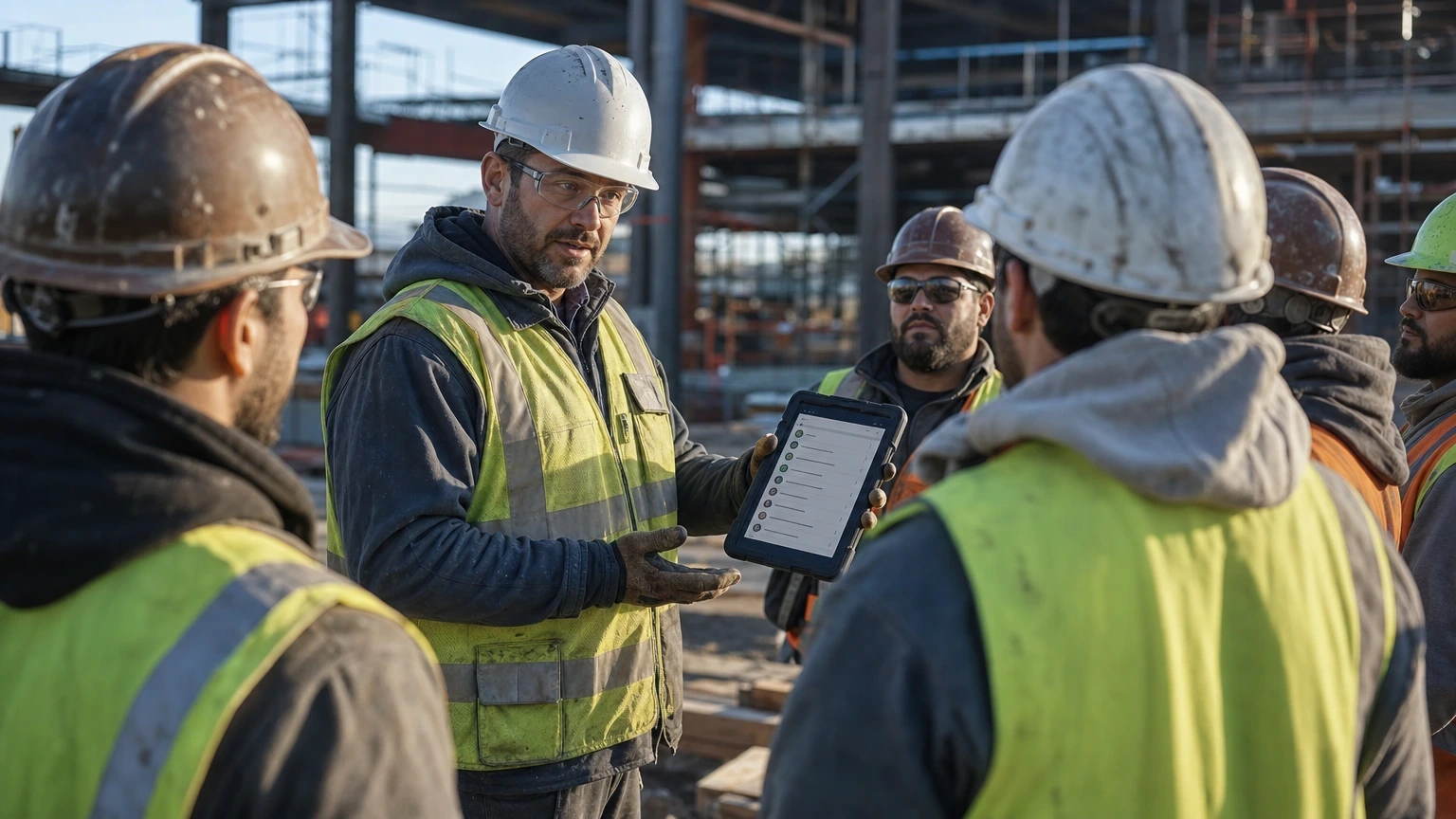
However, most toolbox talk libraries are recycled PDFs nobody reads twice. The construction safety topics that actually stick are the ones built into software your crew already opens every morning.
Instead, this roundup ranks the platforms and formats that superintendents actually use to run toolbox talks, log JHAs, and keep OSHA documentation defensible. First, we tested for content depth, mobile usability on a jobsite phone, and whether the topic library covers trade-specific hazards, not just generic “ladder safety” filler.
Table of contents
- How we evaluated these construction safety topics tools
- Construction safety topics: quick picks at a glance
- 1. SafetyCulture (iAuditor) – the documentation workhorse
- Overview
- Key benefits
- Pros and cons
- Best for
- Verdict
- 2. Procore Field Productivity – built for GCs already in the ecosystem
- Overview
- Key benefits
- Pros and cons
- Best for
- Verdict
- 3. HammerTech – the commercial GC heavyweight
- Overview
- Key benefits
- Pros and cons
- Best for
- Verdict
- 4. OSHA’s own toolbox talk library – the free baseline
- Overview
- Key benefits
- Pros and cons
- Best for
- Verdict
- 5. SafetyTek – the mid-size bundler
- Overview
- Key benefits
- Pros and cons
- Best for
- Verdict
- 6. Raken – the daily log integration play
- Overview
- Key benefits
- Pros and cons
- Best for
- Verdict
- Comparison table
- Buying guide for construction safety topics software
- What actually moves the needle on construction safety topics
- Frequently asked questions
- What are the most important construction safety topics for daily toolbox talks?
- How often should a GC rotate construction safety topics on a jobsite?
- Do toolbox talk apps replace a written safety program?
- What’s the cheapest way to run compliant construction safety topics on a small job?
- Who should review safety topic content before it goes to the crew?
How we evaluated these construction safety topics tools
Overall, picking construction safety topics software isn’t about who has the flashiest app icon. Here’s what actually separates a tool that gets used from one that gets deleted after week two:
- Library depth: does it cover trench, crane, silica, confined space, and fall protection with trade-specific detail, or just generic OSHA restated?
- Offline usability: does it work in a basement with no signal, or does a superintendent need bars to pull up a talk?
- Documentation trail: does it timestamp attendance and signatures in a format that holds up if OSHA or a plaintiff’s attorney asks for records?
- Customization: can you edit a talk for your specific scope, or are you stuck with canned language that doesn’t match the hazard on-site?
- Cost per seat: what does it run for a 20-person crew versus a 150-person GC with subs rotating weekly?
- Integration: does it tie into your existing project management or safety incident software, or does it live in its own silo?
Construction safety topics: quick picks at a glance
| Rank | Product | Best for | Price |
|---|---|---|---|
| 1 | SafetyCulture (iAuditor) Editor’s pick | GCs running multi-sub jobsites needing documentation trail | Check official site |
| 2 | Procore Field Productivity | GCs already on Procore for project management | Check official site |
| 3 | HammerTech | Large commercial GCs with heavy subcontractor rosters | Check official site |
| 4 | Toolbox Talk Radio / OSHA’s own library | Small crews on a zero-budget approach | Free |
| 5 | SafetyTek | Mid-size GCs wanting simple JHA plus talk bundling | Check official site |
| 6 | Raken | Superintendents wanting talks folded into daily logs | Check official site |
1. SafetyCulture (iAuditor) – the documentation workhorse
Editor’s pick: Our top recommendation for most buyers in this comparison.
For example, a superintendent running a five-story podium job with fourteen subs doesn’t have time to chase paper sign-in sheets. That’s the exact scenario SafetyCulture is built for.
Overview
SafetyCulture started as an inspection app and then grew into a full safety topic and JHA platform. The topic library covers trench competent person duties, silica exposure controls, crane signal protocols, and confined space entry, each written at a level a foreman can actually deliver in five minutes. You build a template once, then push it to every device on the crew roster.
Key benefits
- Offline mode works fully underground or in a parking structure with zero signal
- Digital signature capture timestamps every attendee, which matters if OSHA pulls records
- Custom template builder lets you add project-specific hazards, like a nearby excavation or overhead power line
- Photo attachment on each talk documents actual conditions discussed that day
- Analytics dashboard flags which crews are skipping talks before it becomes a pattern
- Integrates with corrective action workflows so a flagged hazard becomes a tracked item, not a forgotten note
- Multi-language support helps crews with primarily Spanish-speaking laborers get the same content
Pros and cons
The learning curve is real for superintendents who’ve never used a tablet-based system before. Some crews report notification fatigue if admins push too many templates at once. However, the free tier caps out fast for a GC running multiple projects simultaneously.
Best for
GCs managing multiple subs who need a defensible paper trail if a claim ever surfaces. Similarly, it is the wrong fit for a two-man residential remodel crew that just needs a quick verbal talk.
Verdict
This is the safest bet if your documentation needs to survive scrutiny. Check the official pricing page for per-seat costs at your crew size.
2. Procore Field Productivity – built for GCs already in the ecosystem
If your project management, RFIs, and daily logs already live in Procore, adding a fourth app for safety topics is a hard sell to your PMs.
Overview
Procore then folded safety topic delivery into its Field Productivity module years back, tying incident tracking, observations, and toolbox talks into the same dashboard your PMs check for submittals. The topic content isn’t as deep as a dedicated safety app, but it doesn’t need to be when it’s sitting next to your daily reports.
Key benefits
- Single login for safety, scheduling, and daily logs cuts app-switching for superintendents
- Incident reports auto-link to the toolbox talk delivered that week, useful for pattern tracking
- Custom forms adapt to state-specific requirements, which matters for GCs working across state lines
Pros and cons
The topic library is thinner than dedicated safety platforms, so you’ll supplement with your own content. Pricing bundles with the broader Procore suite, so it’s a hard sell if you’re not already a customer.
Best for
GCs who’ve already committed to Procore for project management and don’t want a fifth login for the super to manage.
Verdict
Strong if you’re bought into the ecosystem already. That said, it is not worth adopting Procore just for this one module.
3. HammerTech – the commercial GC heavyweight
A high-rise job with 200 workers rotating through six subcontractors needs something more rigid than a shared spreadsheet.
Overview
HammerTech has instead built its reputation with large commercial GCs in markets like Australia and the US who need subcontractor orientation, badge tracking, and daily safety topics tied to one system. It’s less flexible than SafetyCulture but stronger on subcontractor compliance tracking, think insurance certs and training verification bundled with the topic delivery.
Key benefits
- Subcontractor onboarding ties directly to safety topic completion before badge activation
- Site-wide dashboard shows completion rates across every sub on a mega-project
- Compliance document tracking (COIs, training certs) lives in the same system
Pros and cons
Still, it is overkill for anything under 50 workers on-site. Besides, implementation takes real setup time, not a weekend rollout.
Best for
Similarly, large commercial and industrial GCs juggling many subcontractors where badge-in compliance actually matters.
Verdict
A strong system if your project size justifies the overhead. Therefore, skip it for smaller residential or light commercial work.
4. OSHA’s own toolbox talk library – the free baseline
In fact, not every crew needs software. Instead, some just need content that’s actually correct.
Overview
OSHA also publishes free toolbox talk material through its outreach programs, and plenty of trade associations mirror or expand on it. It’s not flashy, no app, no dashboard, but the content itself is accurate and gets updated when standards change.
Key benefits
- Also zero cost, with no subscription and no per-seat pricing
- Content aligns directly with current OSHA standards, so you’re not relying on a third party’s interpretation
- Likewise, downloadable PDFs work fine printed and clipped to a plan table
Pros and cons
On the other hand, there is no documentation trail, no attendance tracking, and no analytics. So you’re on your own for proving the talk happened.
Best for
By contrast, small crews and owner-operators who need solid content without a subscription and can manage their own sign-in sheets.
Verdict
Overall, it is fine as a content source but weak as a system of record. Pair it with a simple sign-in log if you go this route.
5. SafetyTek – the mid-size bundler
A 40-person mechanical contractor doesn’t need enterprise software, but a shared Google Doc isn’t cutting it either.
Overview
SafetyTek bundles JHA creation, toolbox talks, and incident reporting into one mid-tier platform aimed at contractors who’ve outgrown paper but don’t need HammerTech-level complexity. Also, it’s popular with mechanical, electrical, and mid-size GC shops.
Key benefits
- JHA and toolbox talk creation live in the same workflow, so hazards identified in one feed into the other
- However, the mobile app works reasonably well offline for rural or basement work
Pros and cons
However, the topic library isn’t as deep as SafetyCulture’s. Also, reporting features feel basic compared to enterprise competitors.
Best for
Finally, mid-size specialty contractors wanting a step up from paper without enterprise pricing.
Verdict
In short, a reasonable middle ground. Demo it against SafetyCulture before committing since feature overlap is significant.
6. Raken – the daily log integration play
Supers who already fill out daily logs in Raken resist adding a separate app just for safety topics.
Overview
Raken first built its name on daily construction reports and then folded toolbox talks into that same mobile workflow. The safety content sits inside the tool your super already opens every morning to log manpower and weather delays.
Key benefits
- Toolbox talk sign-off happens in the same app as the daily report, cutting a step
- Photo and video attachment ties conditions to the talk delivered
Pros and cons
Still, the safety topic library is thinner than dedicated platforms. Still, it is better as a convenience add-on than a standalone safety system.
Best for
Likewise, supers already using Raken for daily logs who want one less app open in the truck.
Verdict
Overall, convenient but not comprehensive. In short, it is fine as a secondary tool but weak as your only safety documentation system.
Comparison table
| Product | Price | Best for | Standout feature |
|---|---|---|---|
| SafetyCulture (iAuditor) | Check official site | Multi-sub GCs needing documentation | Custom templates plus offline mode |
| Procore Field Productivity | Check official site | Procore-committed GCs | Single dashboard with PM tools |
| HammerTech | Check official site | Large commercial mega-projects | Subcontractor badge compliance |
| OSHA toolbox talk library | Free | Small crews, tight budgets | Direct OSHA-aligned content |
| SafetyTek | Check official site | Mid-size specialty contractors | JHA and talk workflow combined |
| Raken | Check official site | Supers already using daily logs | Toolbox talk tied to daily report |
Buying guide for construction safety topics software
First, start with your crew size and sub count, not the feature list. A 12-person framing crew doesn’t need HammerTech’s badge-tracking system any more than a 200-worker high-rise job should rely on printed OSHA PDFs and a clipboard.
If documentation matters because you’re in a litigious market or run union labor with strict reporting requirements, pay for a platform with signature capture and timestamped records. If you’re a small outfit watching every dollar, OSHA’s free library plus a basic sign-in sheet covers the legal minimum without the subscription. And if you’re already paying for Procore or Raken for daily operations, check whether their built-in safety module covers 80% of what you need before adding a fifth login to the stack.
One thing every GC on this list gets right: none of them replace a licensed safety consultant for site-specific hazard analysis on complex work like deep excavation, structural demolition, or crane picks near energized lines. In short, software delivers the talk. It doesn’t replace judgment from your competent person or, when the hazard is serious enough, a licensed engineer reviewing the actual condition.
What actually moves the needle on construction safety topics
None of these tools matter if your foremen deliver talks in a monotone and move on. Overall, the platforms that rank highest here share one trait: they make it easy to customize content for the actual hazard on-site that day, not just recite a generic script.
If you’re building out a broader safety program beyond toolbox talks, incident tracking, training matrices, and OSHA recordkeeping all tie together, and it’s worth reviewing how construction safety management fits into your overall jobsite compliance approach before picking a single-purpose app.
Pick based on crew size and sub count first, budget second, flash last. Finally, a tool your foremen actually open beats a feature-rich platform that gets ignored by week three.
Frequently asked questions
What are the most important construction safety topics for daily toolbox talks?
Fall protection, trenching and excavation, electrical hazards, and PPE compliance top the list for most jobsites. However, the right mix depends on your actual scope that week, a framing crew needs different talks than an underground utility crew.
How often should a GC rotate construction safety topics on a jobsite?
Usually, most superintendents run a new topic daily or every other day, tied to the actual work happening that week. Besides, repeating the same talk for a month signals the program isn’t tracking real site conditions.
Do toolbox talk apps replace a written safety program?
No. A written safety program, along with your site-specific safety plan, is a separate document that typically needs review by your safety director or a licensed consultant. Toolbox talk software delivers daily content and documentation, it doesn’t substitute for a full program or code compliance review.
What’s the cheapest way to run compliant construction safety topics on a small job?
OSHA’s free toolbox talk library paired with a simple paper or digital sign-in sheet covers the basics for a small crew. It won’t give you analytics or automated tracking, but it satisfies the core requirement of delivering and documenting the talk.
Who should review safety topic content before it goes to the crew?
Your safety director or competent person should vet any template before rollout, especially for high-hazard trades like trenching or crane work. For anything touching code interpretation or engineering judgment, loop in your AHJ or a licensed engineer rather than relying on generic app content.